Your own links
Paste your Shopee link. KitaJual recognises the marketplace and checks the address before saving.
Paste your Shopee affiliate links, organise products by category and share one storefront with your followers.
Create a free storefront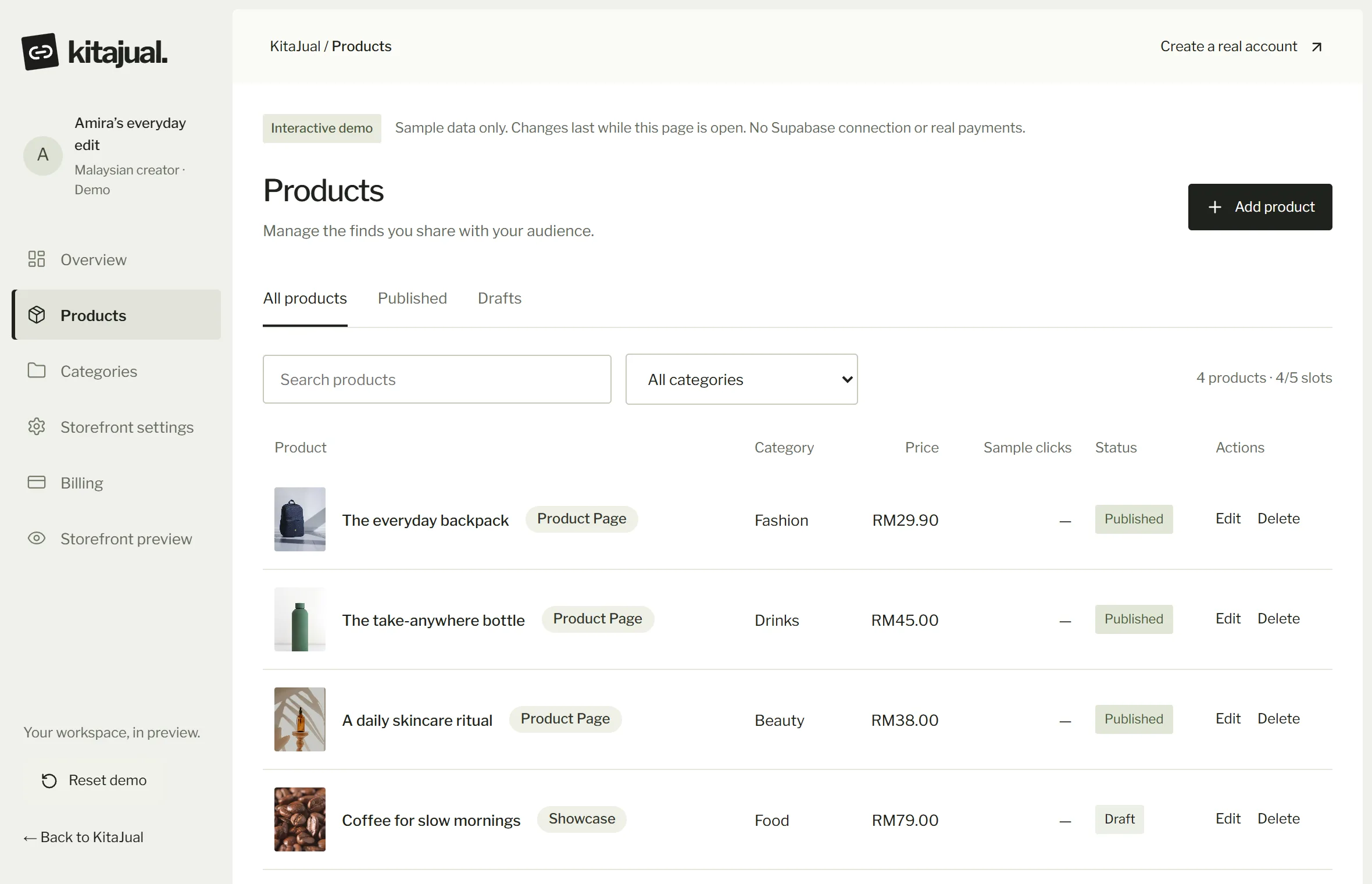
Once you promote many Shopee products, links end up scattered across stories, comments and DMs. They are hard to find again, and followers do not know which ones you recommend.
With KitaJual, each product gets its own card with a photo, a price and a buy button that goes to Shopee through your affiliate link. Your commission stays in your own Shopee affiliate account. KitaJual is not an official Shopee integration, and the purchase happens on Shopee.
Paste your Shopee link. KitaJual recognises the marketplace and checks the address before saving.
Beauty, home, fashion or anything else, so followers find what they are after.
Every card shows a photo, a price and a buy button.
See how often a product button is pressed. Plus: total clicks. Pro: by product and marketplace.
Take the product link from your Shopee affiliate account.
Fill in the name, photo and price, then paste the link.
One link for all your chosen Shopee products.