A product list
See every product with its category, price and status.
Stop digging through old chats for links. Keep every product and its affiliate link in one tidy place.
Create a free storefront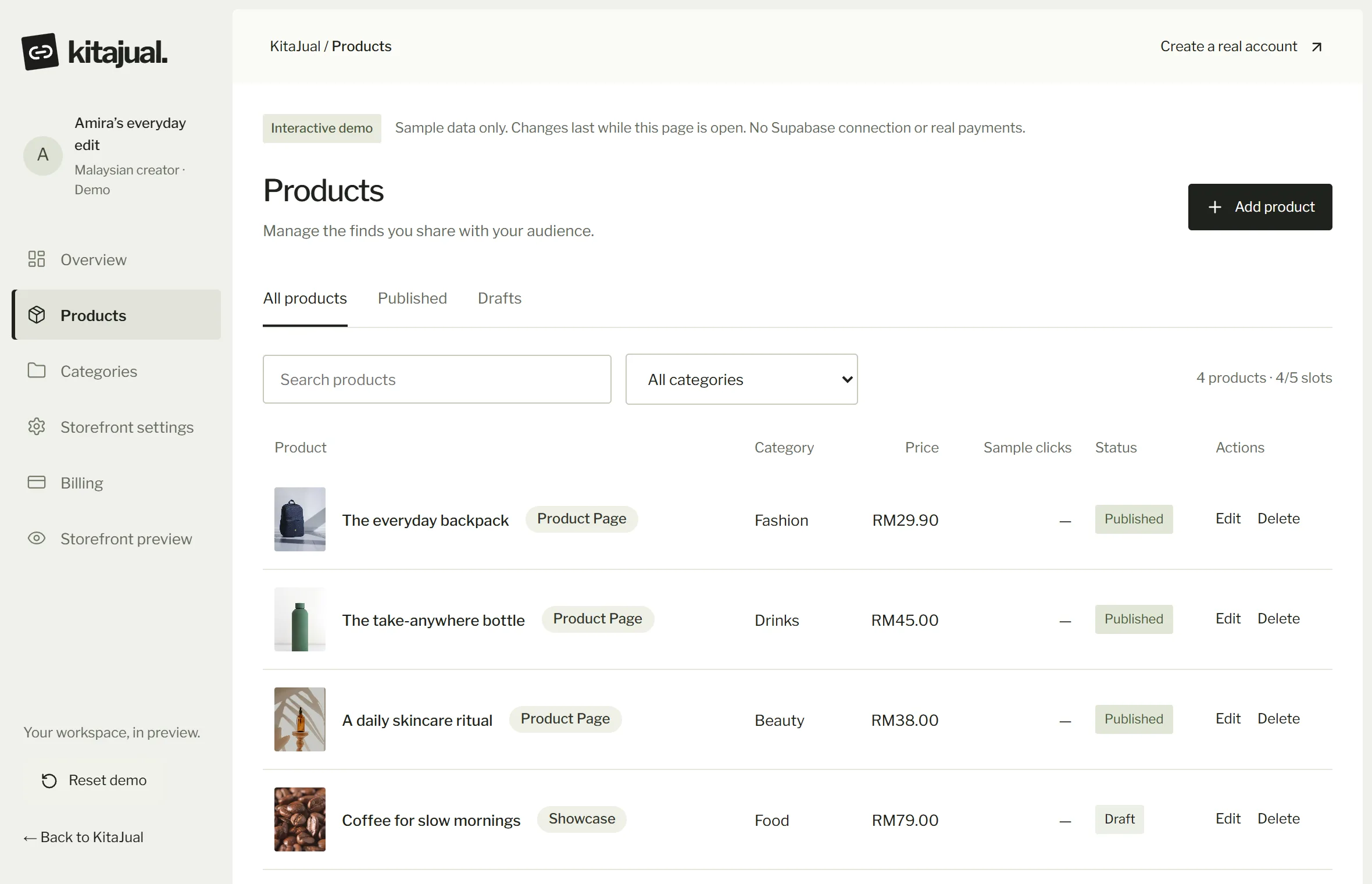
Links end up in notes, chats and screenshots. When a price or a photo changes, you have to find and fix it in several places.
The KitaJual dashboard keeps products, photos, prices, categories and links in one list. Change something once and your storefront updates. It focuses on link management and product display; KitaJual does not track sales or commission.
See every product with its category, price and status.
Finish a product first, publish when it is ready.
KitaJual recognises the marketplace from the link and checks the address before saving.
Pro and Pro+ can hold three links per product, such as Shopee, TikTok Shop and Lazada.
Plus: total clicks. Pro: clicks by product and marketplace, so you can see which products draw interest.
Add them one by one with their links.
Arrange by theme so they are easy to find.
See which products get pressed most and focus there.